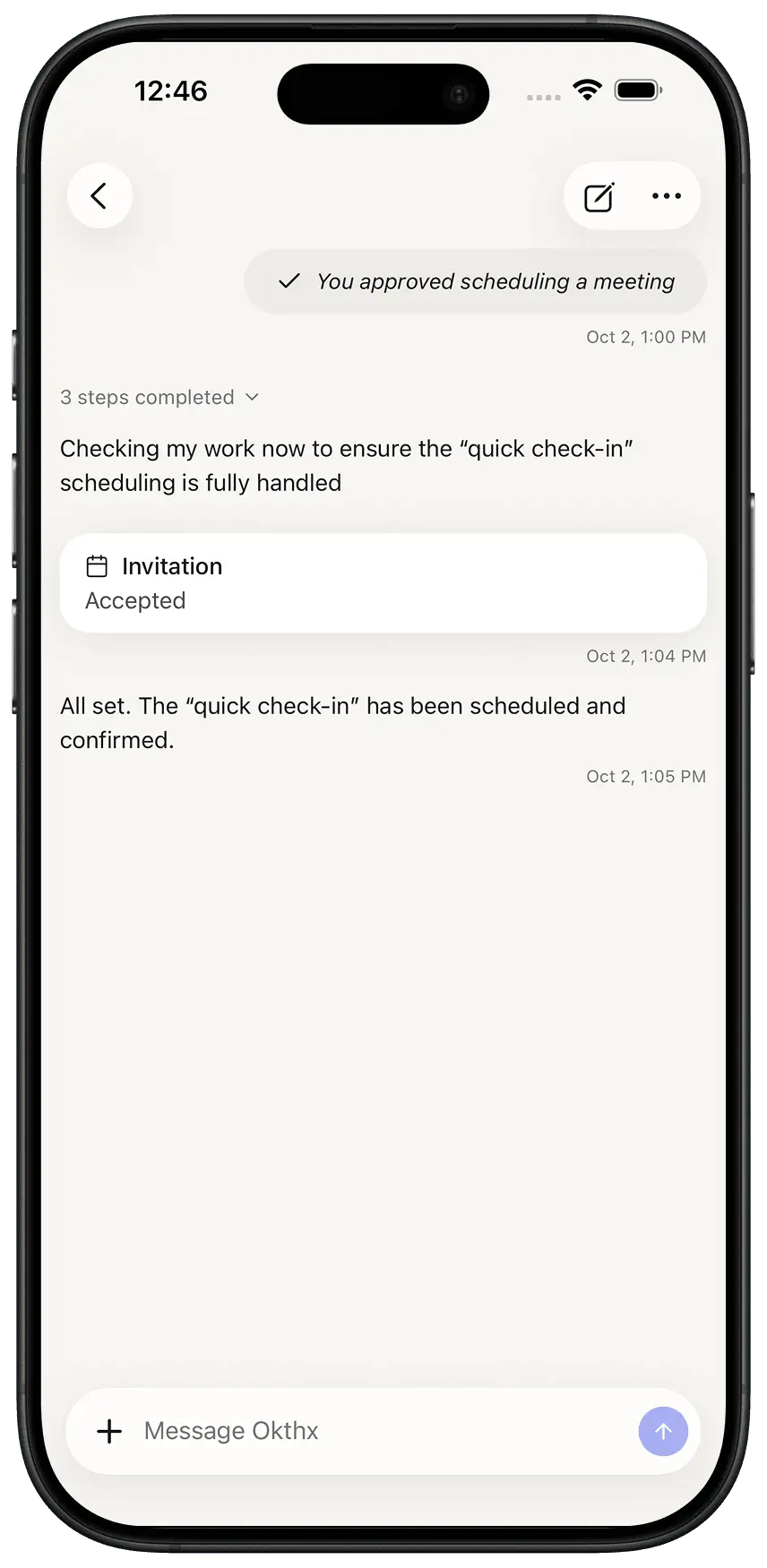
How to add an event
Okthx can find and book time on your calendar for personal tasks — like a gym session or focus time — by looking at your existing schedule and picking a slot that fits, all from a plain-English request.
Steps:
- Click the Purple Button that says “Create an event or ask anything”
- Type in the type of event you want
- It suggests a time
- The event gets created